Disclosure: SuperTrader is our own product and is included in this comparison. We test every tool under the same methodology and scoring criteria — see our editorial standards.
Why traders look beyond Tradezella
Tradezella earns its reputation in several areas. The interface is clean, CSV import is straightforward, and the basic tagging system is easy to pick up. For a trader just starting to journal, it gets the job done without overwhelming them on day one.
But a consistent pattern emerges when traders spend more than a few months with the platform. The pain points that push serious traders to search for alternatives in 2026 tend to fall into the same four categories:
- Pricing: the free tier caps trade entries quickly, and the jump to a paid plan is steep for part-time traders who only take a handful of trades per week
- No real-time AI: Tradezella can show you historical stats, but it does not detect patterns in your trading behaviour or flag biases as they develop
- No native mobile app: logging a trade immediately after execution — while the reasoning is fresh — is significantly harder without a mobile-first experience
- Limited broker auto-import: the list of supported brokers with direct sync is narrow, pushing many traders back to manual CSV exports
If any of those gaps sound familiar, the five tools below are worth your time. We ran each one through a structured four-week evaluation. Here is what we found.
How we evaluated each tool
Our methodology
The SuperTrader editorial team tested five Tradezella alternatives over a four-week period using a shared 200-trade sample across equities, forex, and futures. Each platform was evaluated blind by two reviewers who scored independently before comparing notes. We paid for the highest available plan on each tool to assess the full feature set.
The five criteria we scored each tool on:
- 1Broker auto-import — does the tool connect directly to your broker, or do you have to export a CSV every time?
- 2AI and pattern detection — does the platform surface insights you would not find by looking at a spreadsheet yourself?
- 3Mobile experience — can you log, review, and act on trades from your phone without friction?
- 4Pricing transparency — is the value-to-cost ratio fair at both the free and paid tiers?
- 5Journaling depth — can you capture trade rationale, emotional state, setup tags, and session notes, not just entry and exit prices?
1. SuperTrader — best overall Tradezella alternative
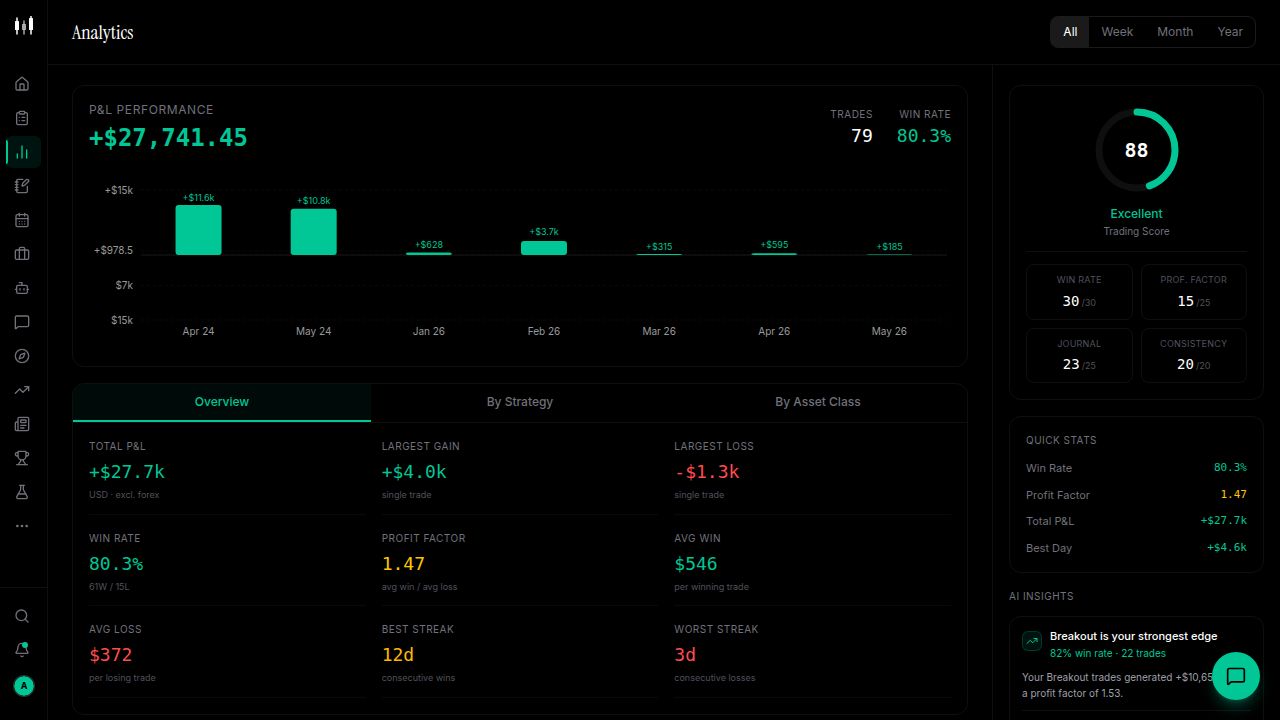
SuperTrader is the most complete upgrade path from Tradezella. It was built from the ground up around a single idea: that the gap between knowing your stats and actually improving your trading is closed by AI that watches your behaviour in real time — not monthly reports you have to interpret yourself.
What makes it different
- Real-time AI pattern detection flags emerging biases — time-of-day tilt, setup decay, mood-correlated losses — before they become expensive habits
- Over 1,000 broker integrations with automatic trade sync; no CSV exports required for the vast majority of retail traders
- Mood and psychology tracking built into the journal entry flow, so you can correlate emotional state with trade outcomes over time
- Mobile-first design means you can log, tag, and reflect on a trade within seconds of closing it
- Free plan includes core AI insights and unlimited trade logging — not a stripped-down trial
Pricing
SuperTrader's free plan covers real-time AI insights, unlimited trade logging, and multi-broker auto-import. The paid plan unlocks advanced analytics, priority AI coaching, and extended historical pattern analysis. There is no artificial cap on the number of trades you can log.
Our verdict
SuperTrader is the most complete upgrade path from Tradezella. If you are moving because of AI limitations or broker connectivity, this is the one to try first.
2. TraderSync — best for automated broker import
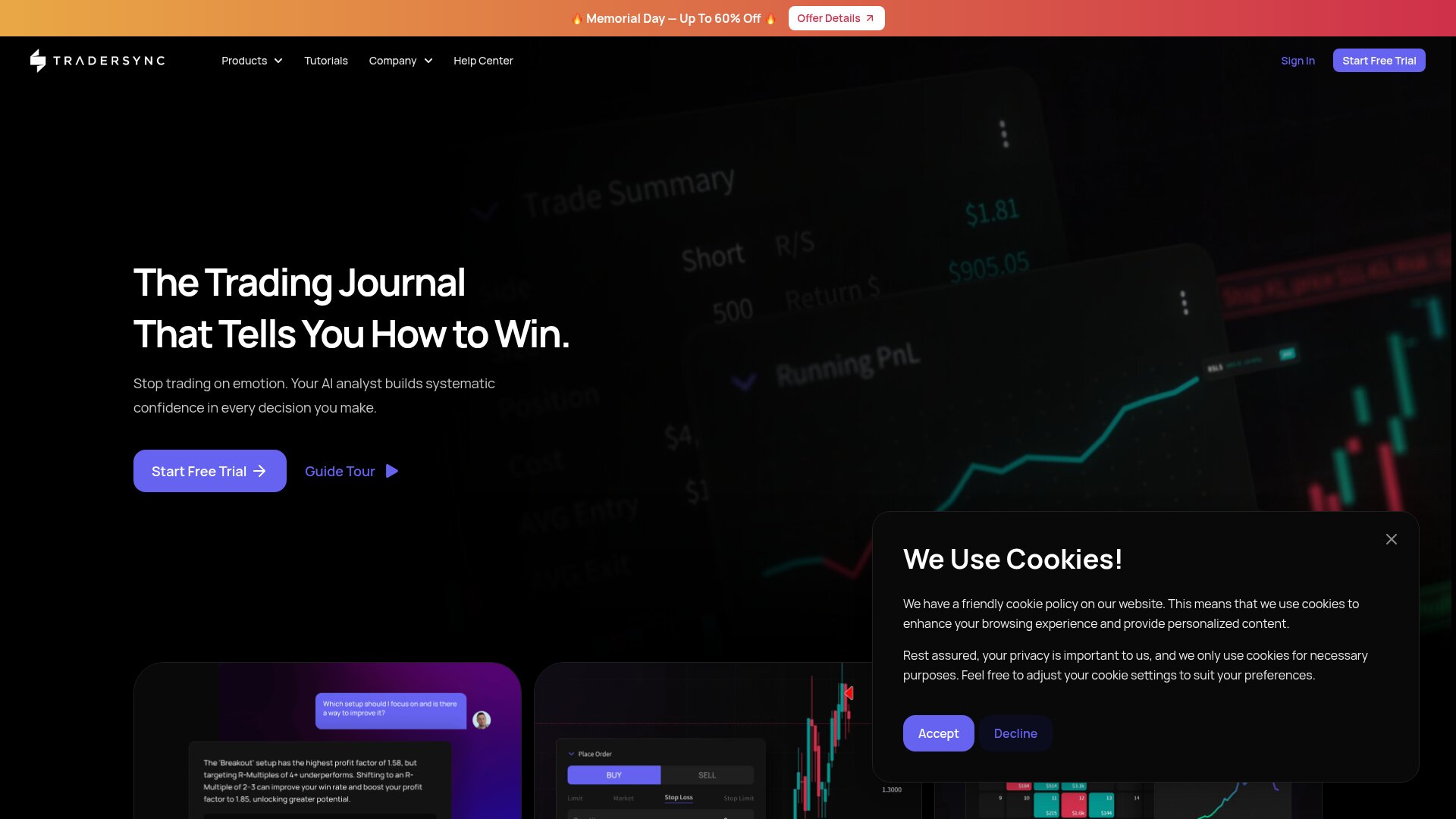
If your primary frustration with Tradezella is the manual CSV export routine, TraderSync is worth a serious look. Its core strength is broker connectivity: it syncs directly with over 100 brokers and prop firm platforms, pulling your trade history automatically without any file handling.
Strengths
- Automatic sync with 100+ brokers and prop trading platforms including Topstep, FTMO, and major retail brokers
- Clean, well-organised dashboard that surfaces P&L, win rate, and average R per setup clearly
- Mobile app available on iOS and Android for on-the-go review
- Solid trade replay feature for reviewing entries and exits visually
Limitations
- AI features are basic — it surfaces standard stats but does not detect behavioural patterns
- No mood or psychology tracking integrated into the journal flow
- Free plan is limited; meaningful analytics require the paid tier
- Journaling depth is thinner than SuperTrader or Edgewonk for traders who want to write detailed reflections
Best for
Traders whose main frustration with Tradezella is manual CSV imports. If auto-sync is your priority and you do not need deep AI, TraderSync delivers.
3. Edgewonk — best for in-depth strategy analysis
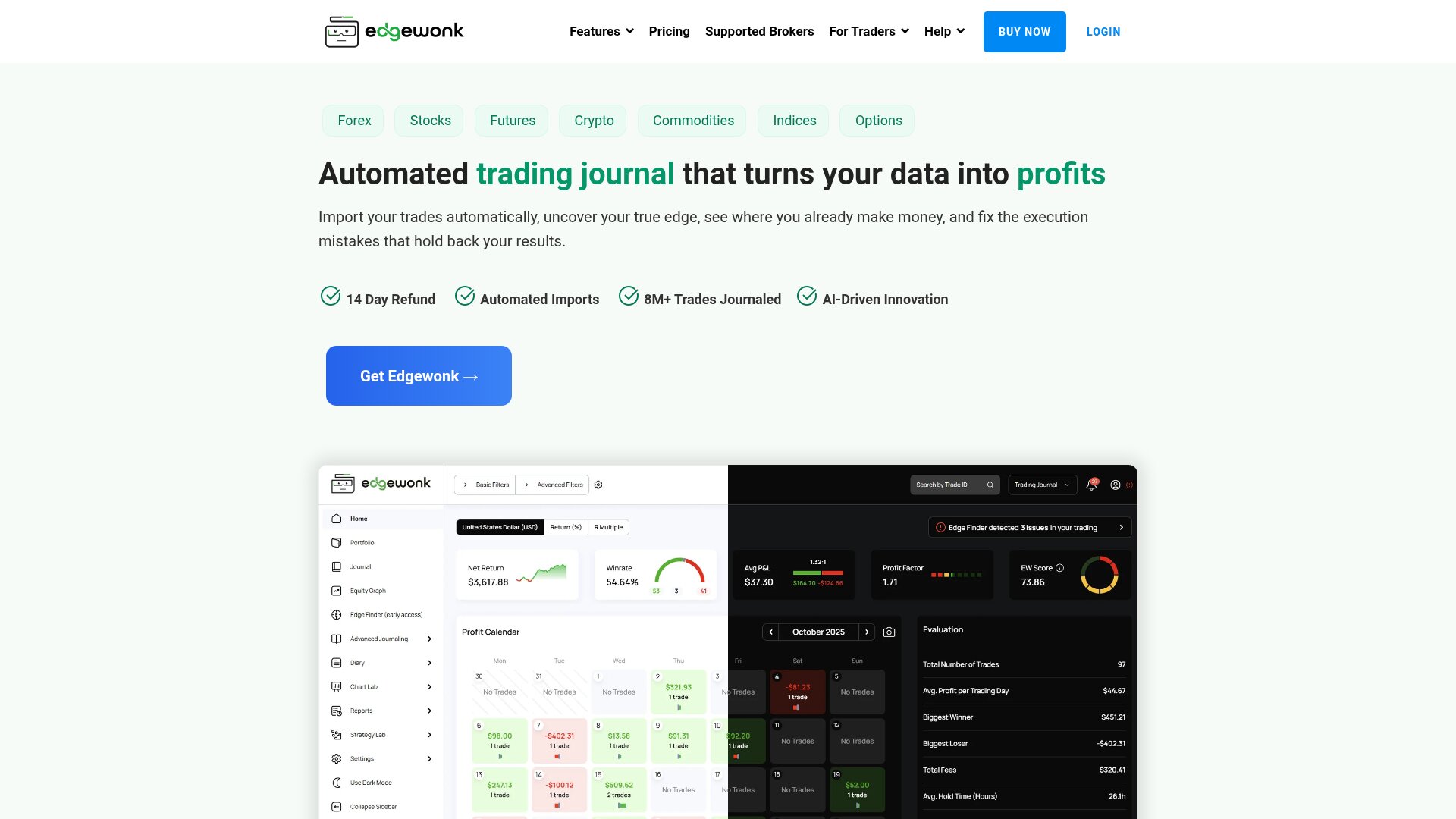
Edgewonk is the most analytics-heavy option in this comparison and has been a favourite of systematic traders for years. If your goal is forensic-level dissection of your strategy — R-multiple distribution, MAE/MFE analysis, expectancy by setup type — Edgewonk gives you more raw analytical firepower than any other tool here.
Strengths
- Deep strategy analytics: R-multiples, expectancy, MAE/MFE, payoff ratio broken down by every custom tag
- Tilt tracking and emotional scoring built into the entry flow
- One-time purchase model — no recurring subscription once you buy
- Scenario simulator lets you test position sizing and risk changes against your historical data
Limitations
- Desktop-only — no mobile app, which makes logging trades in real time impractical for most traders
- Steeper learning curve; the interface takes time to master
- No real-time AI detection — the analysis is powerful but retrospective
- The one-time purchase model means updates are infrequent compared to SaaS competitors
Best for
Systematic traders who want forensic-level breakdown of every strategy variable and are comfortable with a desktop-only workflow.
4. Tradervue — best legacy option for active traders
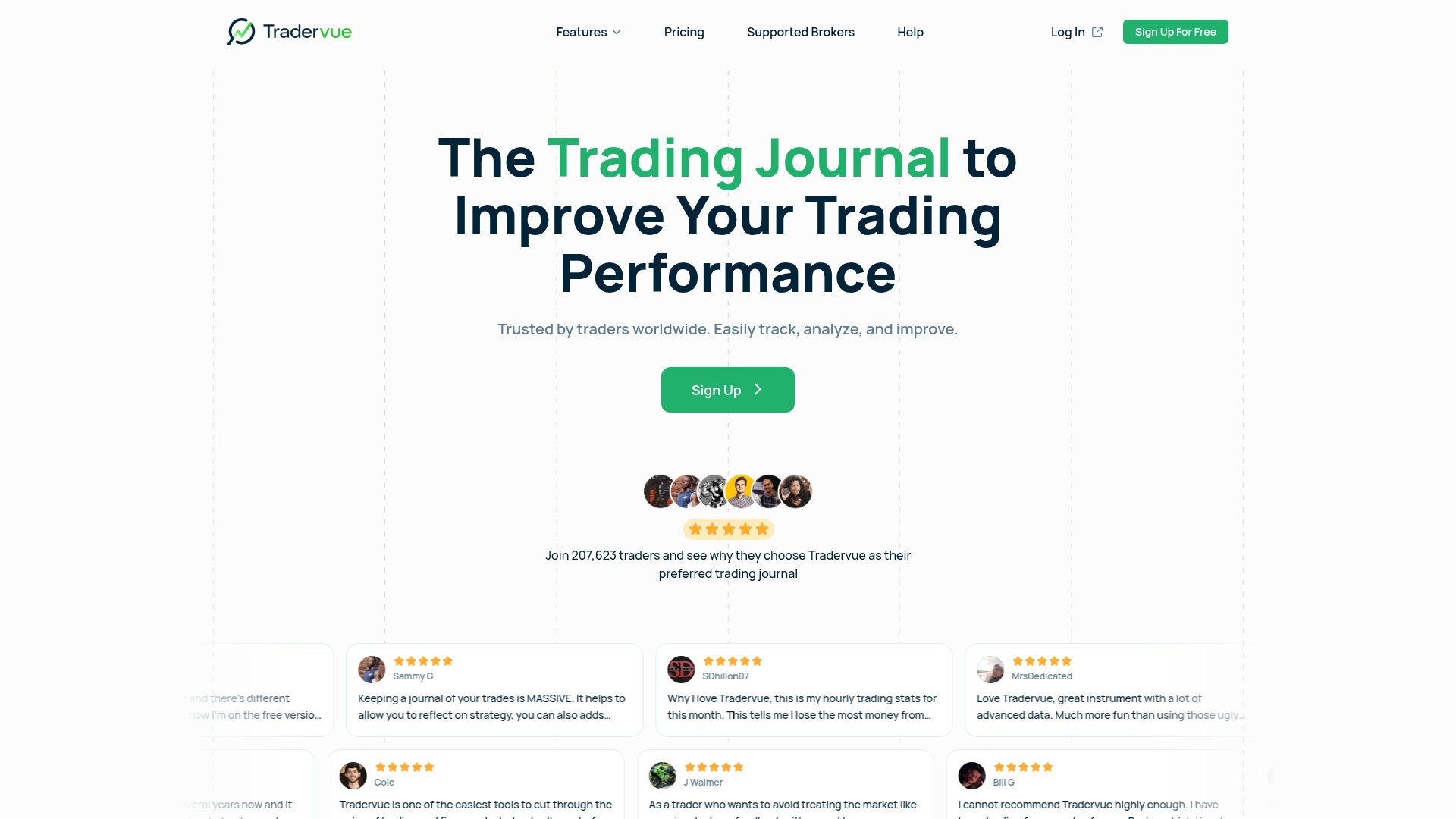
Tradervue has been in the space since 2012 and carries a loyal following, particularly among active equities and futures traders who have used it for years. Its reporting engine is solid and its trade sharing features — letting you publish trades to a public feed — created a small community around it.
Strengths
- Reliable, battle-tested reporting for equities, futures, and forex
- Broker import covers a solid set of major US brokers via CSV and some direct connections
- Trade sharing and community features for traders who want a social element
- Flat, predictable pricing structure with no hidden usage caps
Limitations
- The UI feels dated compared to modern alternatives and has not had a major redesign in years
- No AI features of any kind — you get raw stats, not behavioural insight
- Mobile experience is poor; the platform was not built with mobile in mind
- Free plan is very limited — meaningful features are locked behind the paid tier
Best for
Experienced traders who have an established Tradervue workflow and need reliable reporting without switching costs. Not recommended as a first choice for traders new to journaling.
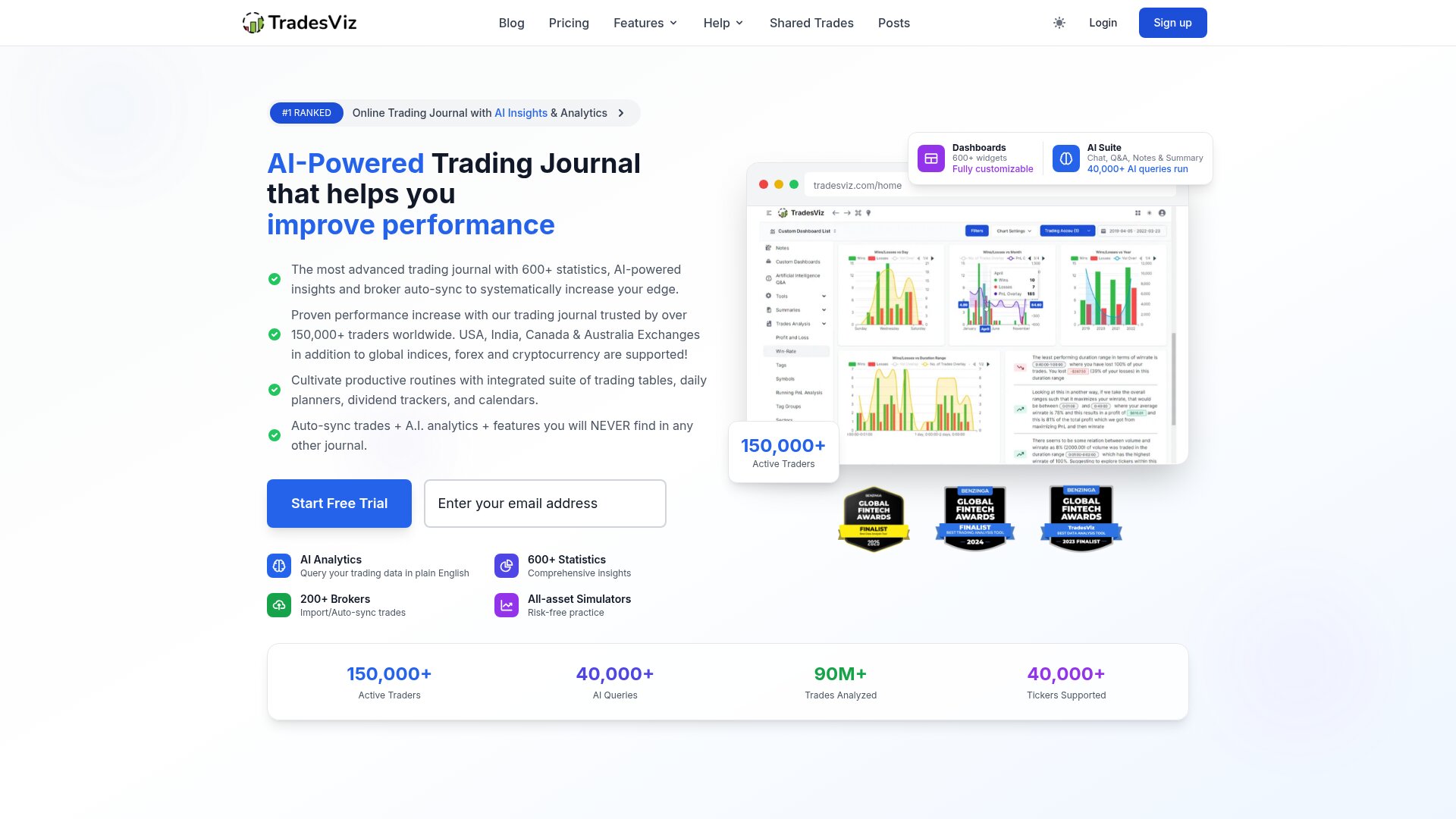
5. TradesViz — best free option
TradesViz occupies a specific niche: it offers the most generous free tier in the category, making it popular with algorithmic and CSV-heavy traders who want powerful analytics without paying a monthly fee. The community plan is genuinely functional, not a marketing tease.
Strengths
- Community tier offers real charting, tagging, and analytics without a paywall
- Strong visualisations for equity curves, drawdown charts, and trade distribution
- Highly customisable tagging and filtering for traders who want granular setup tracking
- Popular with algo traders who need to import large CSV batches from automated strategies
Limitations
- No mobile app — web-only, which makes real-time trade logging impractical
- No real-time AI pattern detection or behavioural coaching
- Some features are community-gated, meaning you need to share your trades publicly to unlock them
- The interface is dense and takes time to navigate comfortably
Best for
Traders on a tight budget or algo traders comfortable with CSV workflows who do not need a mobile app or real-time AI coaching.
Tradezella alternatives at a glance
Tool           | Free plan  | Mobile | AI insights  | Broker auto-import | Best for
---------------+------------+--------+--------------+--------------------+--------------------------
SuperTrader    | ✓ Full     | ✓ Yes  | ✓ Real-time  | ✓ 1,000+ brokers   | Best overall
TraderSync     | Limited    | ✓ Yes  | Basic stats  | ✓ 100+ brokers     | Auto-import priority
Edgewonk       | ✗ No       | ✗ No   | ✗ None       | CSV only           | Deep strategy analytics
Tradervue      | Very ltd.  | ✗ No   | ✗ None       | CSV + some direct  | Legacy workflow
TradesViz      | ✓ Generous | ✗ No   | ✗ None       | CSV only           | Budget / algo traders
The table above reflects the team's hands-on testing as of 2026. Feature sets change — always verify current pricing and broker support directly with each provider before committing.
How to choose the right Tradezella alternative
If you want the most powerful AI coaching
SuperTrader is the clear choice. No other tool in this comparison surfaces real-time behavioural patterns — time-of-day tilt, setup decay, mood-correlated loss streaks — as they develop. If improving your decision-making process is the goal, this is where to start.
If automated broker import is your priority
TraderSync has the widest broker connectivity and the cleanest auto-sync experience after SuperTrader. If your broker is in their supported list, setup takes minutes and the CSV routine disappears entirely.
If you want deep strategy analytics
Edgewonk's analytical depth is unmatched for systematic traders who need to stress-test their strategy with forensic precision. Accept the trade-off: no mobile, no AI, desktop only.
If budget is your main constraint
TradesViz offers a genuinely useful free plan for traders who can live without mobile access and real-time AI. For traders who want AI features free, SuperTrader's free plan is the stronger option.
The free trial test
Before committing to any platform, import your last 30 trades and run through one full post-session review. The friction you feel in that single session — navigating the UI, tagging entries, reading the output — tells you more than any feature list.
Frequently Asked Questions
Found this helpful? Share it.
Written by
SuperTrader Team
The SuperTrader editorial team produces practical, no-fluff guides on trading psychology, strategy, and risk management to help traders of all levels develop a consistent, repeatable edge.
Reviewed by

Chief Trading Strategist
Alexander is SuperTrader's Chief Trading Strategist, with 9+ years of experience trading forex, futures, and crypto. He hosts the Road 2 Forex podcast and leads SuperTrader's trading research, market education, and AI coaching design. His market commentary has been featured in Yahoo Finance, U.S. News & World Report, AOL, and DeFi Rate.
Free trading journal
Track every trade. Find your edge.
Join 100,000+ traders using SuperTrader's AI-powered journal to spot patterns, cut losses, and grow consistently.
Start freeNo credit card required