Disclosure: SuperTrader is our own product and is included in this comparison. We test every tool under the same methodology and scoring criteria — see our editorial standards.
Quick answer
For most traders, the best trading journal app for iPhone and iPad is SuperTrader: it is rated 4.7 from about 1,200 US App Store ratings, has a free plan, and includes an AI coach. UltraTrader is the best pick for crypto and MetaTrader sync, TradesViz for deep statistics on a small budget, and TraderSync if it is already your web journal.
What matters in a trading journal on a phone
Most trading journals were built for a desktop browser, and the phone app came later. That shows. A journal you only open at your desk gets filled in from memory, hours after the trade, and the notes that matter most (why you took it, how you felt) are the first to go.
On an iPhone or iPad, three things decide whether you keep journaling past the second week:
- How trades get in: broker import or sync, a file upload, or typing each one by hand
- What you can do without a laptop: tag a setup, add a note or screenshot, check the P&L calendar
- What the app tells you that you did not already know, which is where AI coaching and analytics come in
Native app, web app or companion app
"Works on mobile" can mean three different things, and the difference decides how the journal feels day to day:
- Native app: installed from the App Store and built for the phone. Usually the fastest for logging, screenshots and reminders
- Companion app: a native app that covers logging and stats, while replay, backtesting and deep reports stay on the web
- Web app: the desktop site in your phone's browser. Nothing to install, but slower to open and no push reminders
Every app ranked below is a native app on the App Store. Before you pay for one, check how much of the desktop product the phone app actually includes, because that gap is where most disappointment comes from.
How we compared the apps
We compared five apps that are live on the App Store: SuperTrader, UltraTrader, TraderSync, TradesViz and TradeReview. Ratings are from the US App Store, and prices are from each app's App Store listing or pricing page, all checked on November 14, 2026. Feature notes come from the listings and each company's own documentation.
What this comparison is, and is not
SuperTrader is our product, and we know it far better than the other four. For the other apps this is a comparison of what their listings and pricing pages state, not a long-term test of every paid tier. Ratings and prices change, so check the listing before you subscribe.
1. SuperTrader — best for an AI coach on iPhone and iPad
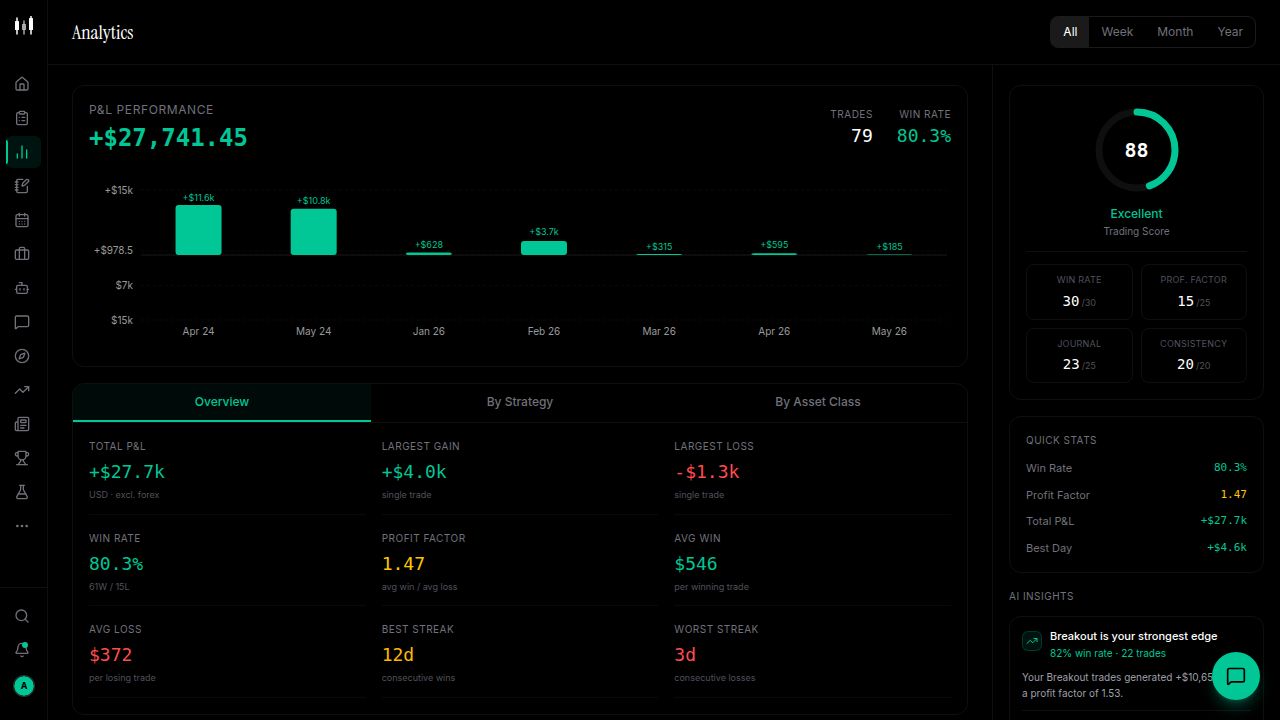
SuperTrader runs on both iPhone and iPad, and it is rated 4.7 from about 1,200 ratings on the US App Store, the largest rating base of the five apps here. You can import trades from brokers such as Robinhood, Interactive Brokers, Webull and Schwab, upload a file, or log trades by hand. Stocks, options, futures, forex and crypto sit in one journal.
What makes it different
- Max, an AI coach that answers questions from your own stats, tags and recent trades
- Max Mentor: a weekly assessment with one thing to work on
- P&L calendar, setup and mistake tags, notes and screenshots on each trade
- Mood check-ins next to your daily results
- A free plan with no card and no time limit
- Also on Android and the web
Limitations
- The free plan stops at 30 entries (trades plus daily recaps)
- Broker sync and unlimited trades need Pro ($9.99/mo)
- The app is in English only
Our verdict
If you want the phone to do more than store trades, SuperTrader is the one we would pick: the journal fills from your broker, and Max turns the history into one concrete thing to change next week.
2. UltraTrader — best for crypto and MetaTrader sync
UltraTrader is a mobile-first journal with a clean interface. Its listing names automatic sync with Binance, Bybit, KuCoin, MEXC, Bitget and MetaTrader 4 and 5, which makes it a natural fit for crypto and forex traders. It is rated 4.7 on the US App Store from about 60 ratings.

Strengths
- Automatic sync with major crypto exchanges and MetaTrader
- Calendar view, paper trading and price alerts in the same app
- A free tier with manual entry
- Listing available in six languages
- Also on Android
Limitations
- Automatic broker sync is part of the paid Pro plan
- Options trading is listed as coming soon
- Its listing names crypto exchanges and MetaTrader, not US stock brokers
Best for
Crypto and forex traders who want exchange or MetaTrader trades to appear on their phone without a file upload.
3. TraderSync — best if you already use it on the web
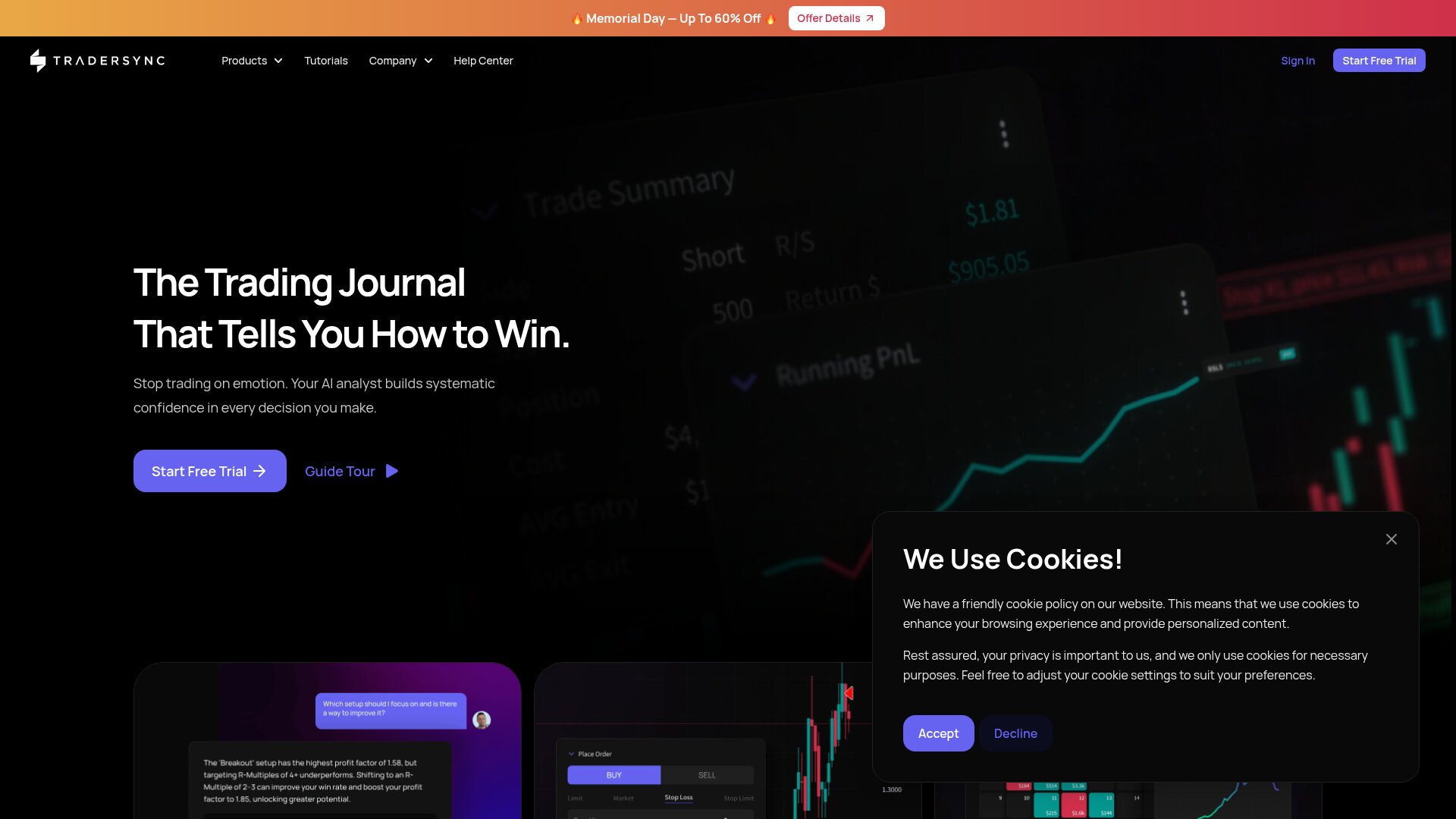
TraderSync is one of the most complete web journals, with a very large broker import library, trade replay and Cypher AI. Its iPhone app has been on the App Store for years and is a sensible companion if TraderSync is already your desktop journal.
Strengths
- One of the widest broker import libraries of any journal
- Cypher AI and trade replay on the web platform
- Apps for both iPhone and Android
Limitations
- No free plan: a 7-day trial, then Pro from $29.95/mo
- The iPhone app is rated 2.7 from about 80 ratings on the US App Store, well below the web product's reputation
- The most advanced features sit in the Premium and Elite tiers
Best for
Traders who do their review on TraderSync's web platform and want to add notes or check stats from a phone.
4. TradesViz — best for deep statistics on a budget
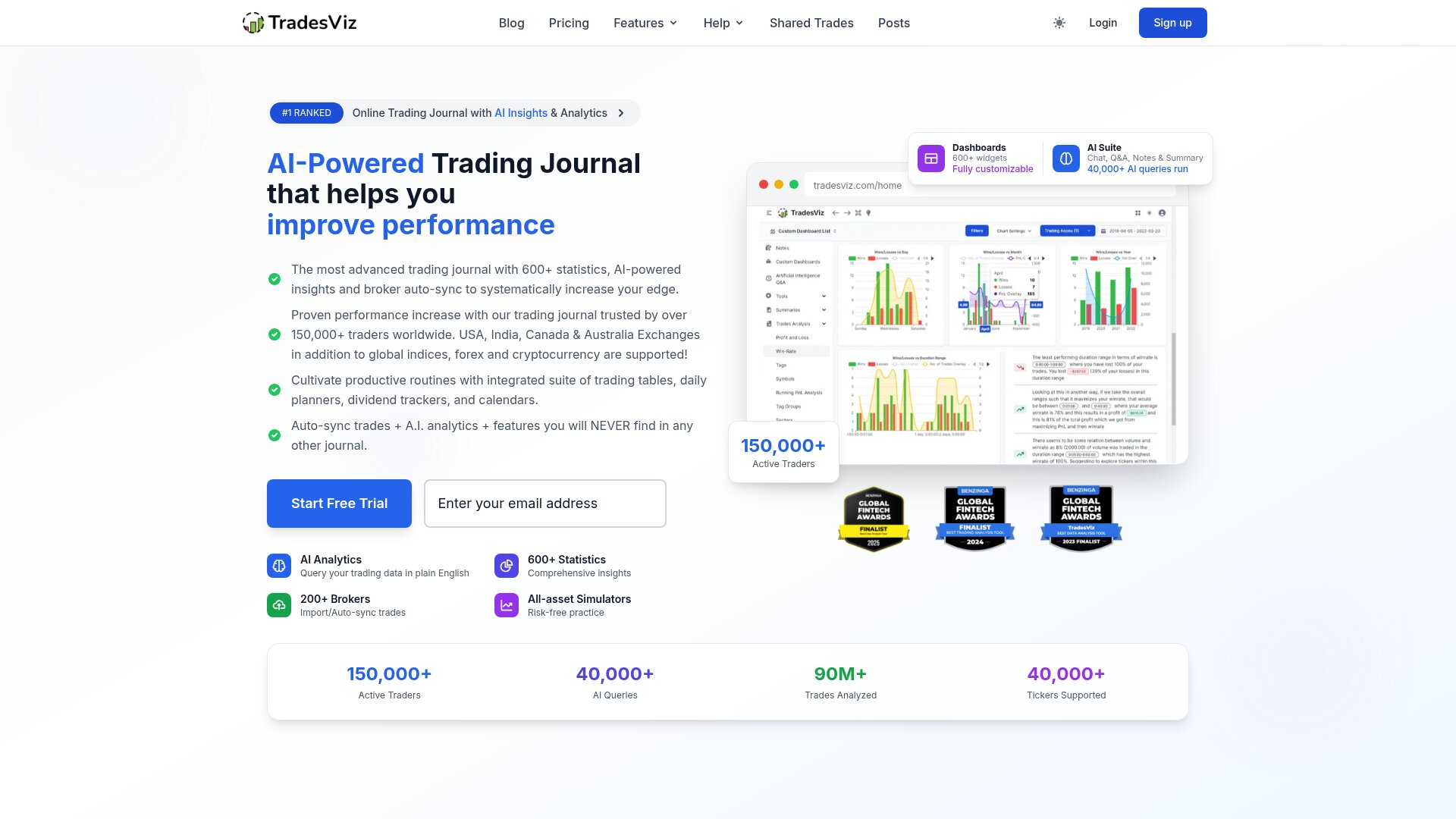
TradesViz is known for the sheer number of statistics it produces, and its mobile app was recently rebuilt with a calendar, day review and imports. It has a free Basic plan, and its paid plans are among the cheaper ones in the category.
Strengths
- Free Basic plan with no card
- Apps for iPhone, iPad and Android
- Pro at $19.99/mo and Platinum at $29.99/mo on the web, with 25% off yearly
- Statistical depth that few journals match
Limitations
- The free plan covers stocks only, on one account
- AI Q&A is on the Platinum plan
- Very few App Store ratings so far, so there is little user feedback on the iOS app itself
- A steep learning curve
Best for
Data-minded traders who want as many ways to slice their results as possible and are happy to interpret the numbers themselves.
5. TradeReview — best for simple manual journaling
TradeReview is a newer journal for stock, options, futures, forex and crypto traders, on mobile and web. It keeps to the basics: a trade log, a calendar, a stats dashboard and tracking of deposits and withdrawals.
Strengths
- A focused feature set that is quick to learn
- Calendar and stats dashboard on the phone
- Tracks deposits and withdrawals alongside trades
- Also on Android and the web
Limitations
- Automatic broker sync is listed as coming soon, so trades come in by file or by hand
- Paid plans start at $14.90/mo in the App Store listing
- A young app with a short track record
Best for
Traders with a low trade count who want a tidy log and calendar and do not need broker sync yet.
iPhone trading journal apps at a glance
App          | US App Store rating | Price from            | Free option           | Android
-------------+---------------------+-----------------------+-----------------------+--------
SuperTrader  | 4.7 (about 1,200)   | $0, Pro $9.99/mo      | Free plan, 30 entries | Yes
UltraTrader  | 4.7 (about 60)      | $0, paid Pro plan     | Free tier, manual     | Yes
TraderSync   | 2.7 (about 80)      | $29.95/mo             | 7-day trial only      | Yes
TradesViz    | Too few to judge    | $0, Pro $19.99/mo     | Free plan, stocks     | Yes
TradeReview  | Not compared        | $14.90/mo             | Not confirmed         | Yes
App          | Getting trades in              | Markets                           | AI
-------------+--------------------------------+-----------------------------------+------------------------
SuperTrader  | Broker import, file, manual    | Stocks, options, futures, FX,     | Max AI coach
             |                                | crypto                            |
UltraTrader  | Exchange + MT4/MT5 sync (Pro)  | Crypto, FX, stocks, futures       | Not a headline feature
TraderSync   | Large broker import library    | Stocks, options, futures, FX,     | Cypher AI
             |                                | crypto                            |
TradesViz    | Broker import                  | All on paid plans, stocks on free | AI Q&A (Platinum)
TradeReview  | File or manual (sync planned)  | Stocks, options, futures, FX,     | Not a headline feature
             |                                | crypto                            |

Ratings and prices checked November 14, 2026.
What about TradeZella?
TradeZella is one of the best-known trading journals, so its absence needs a reason: it has no mobile app. It is a web journal, and a strong one, with replay and backtesting, plans from $35/mo and no free plan. On an iPhone you can open it in the browser, but this list only ranks apps you can install from the App Store.
How to choose
If you want coaching, not just a log
Pick SuperTrader. It is the app here that pairs a well-rated iPhone and iPad app with an AI coach that works from your own trades, and you can start on the free plan.
If you trade crypto or on MetaTrader
UltraTrader's exchange and MetaTrader sync is its main strength. Check that your exchange is on its list before you pay for Pro.
If you are already on a web journal
If TraderSync or TradesViz is where your history lives, their own apps are the low-effort choice. Treat the phone as a companion and keep the deep review on the web.
If you want to pay nothing
SuperTrader, UltraTrader and TradesViz all have a free option. They limit different things: SuperTrader the number of entries, UltraTrader automatic sync, TradesViz the asset classes.
The verdict
The best trading journal app is the one you will open after a losing trade. For most iPhone and iPad traders we think that is SuperTrader, because the journal fills itself and the coaching gives you a reason to come back. If your trading is mostly crypto or MetaTrader, try UltraTrader alongside it and keep the one you actually use.
Frequently Asked Questions
Found this helpful? Share it.
Written by

Chief Trading Strategist
Alexander is SuperTrader's Chief Trading Strategist, with 9+ years of experience trading forex, futures, and crypto. He hosts the Road 2 Forex podcast and leads SuperTrader's trading research, market education, and AI coaching design. His market commentary has been featured in Yahoo Finance, U.S. News & World Report, AOL, and DeFi Rate.
Free trading journal
Track every trade. Find your edge.
Join 100,000+ traders using SuperTrader's AI-powered journal to spot patterns, cut losses, and grow consistently.
Start freeNo credit card required