Free template · Google Sheets
Free trading journal template for Google Sheets
Log your trades in one tab and read your results in the others: dashboard, analytics and a P&L calendar. Plain formulas, nothing to install or enable.
Free, no signup needed. Works in any browser. Using Excel on Windows? Get the Excel journal
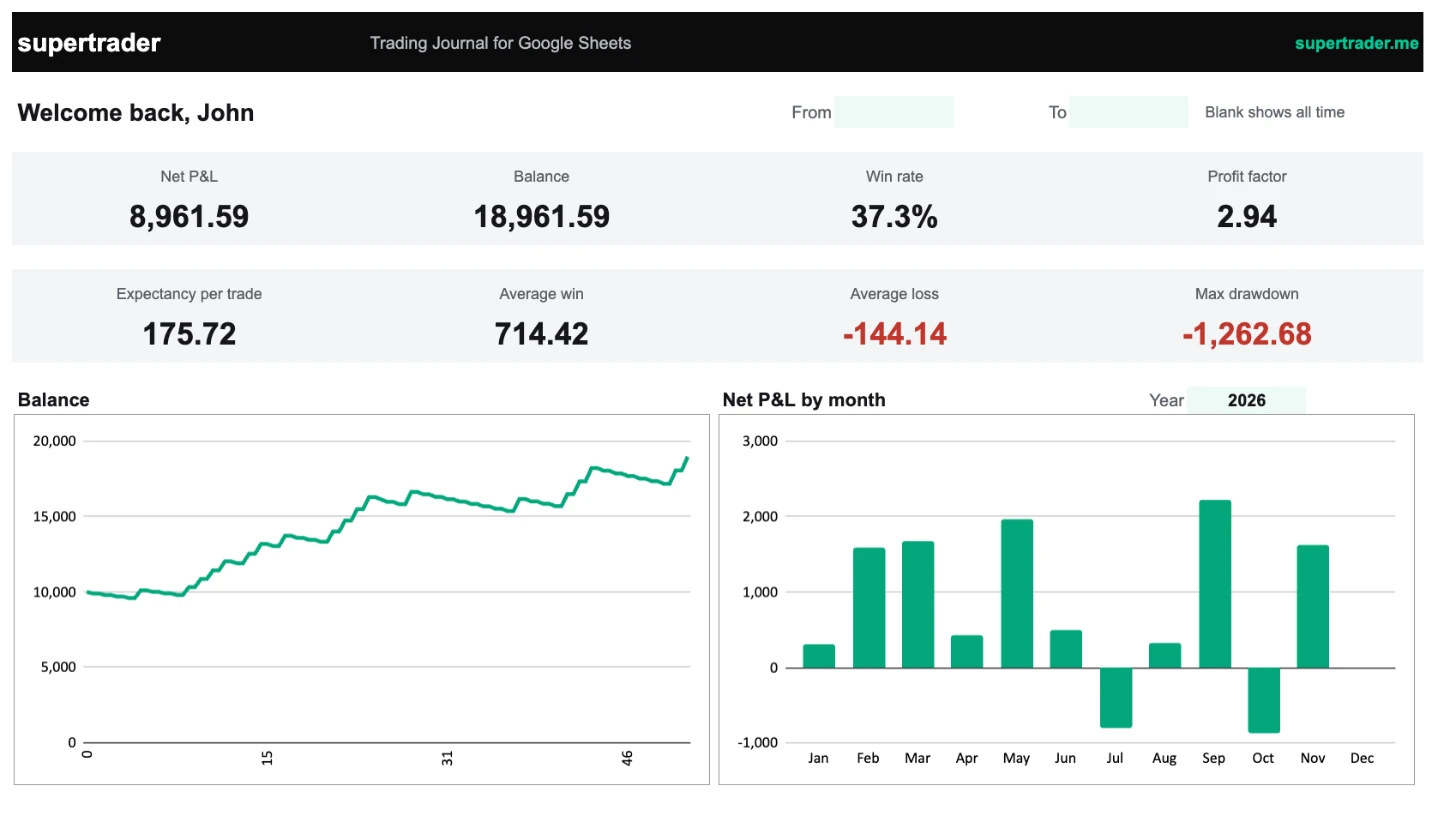
SuperTrader Trading Journal · Dashboard
Inside the journal
Five tabs, already connected.
SuperTrader Trading Journal · Dashboard
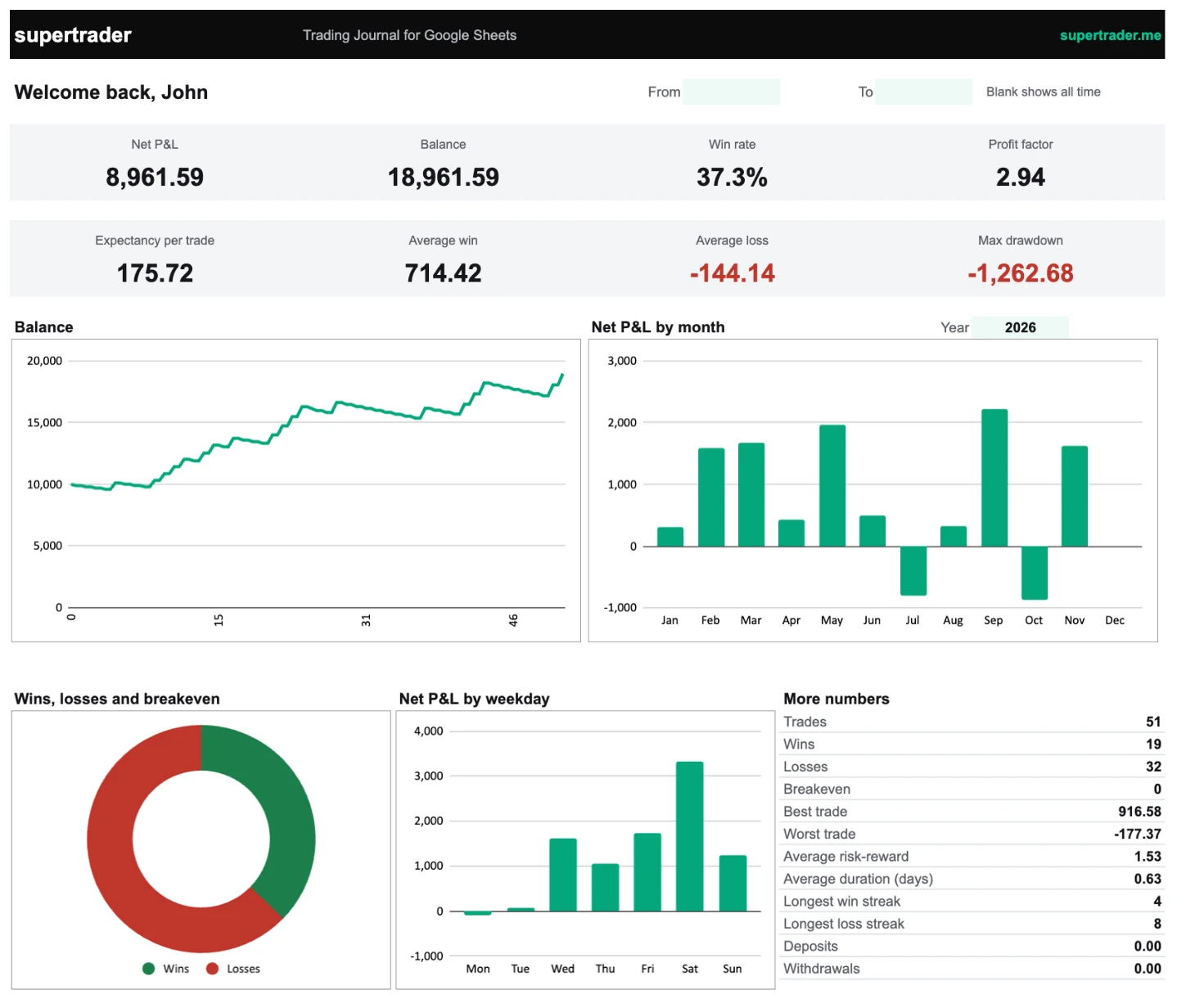
SuperTrader Trading Journal · Journal
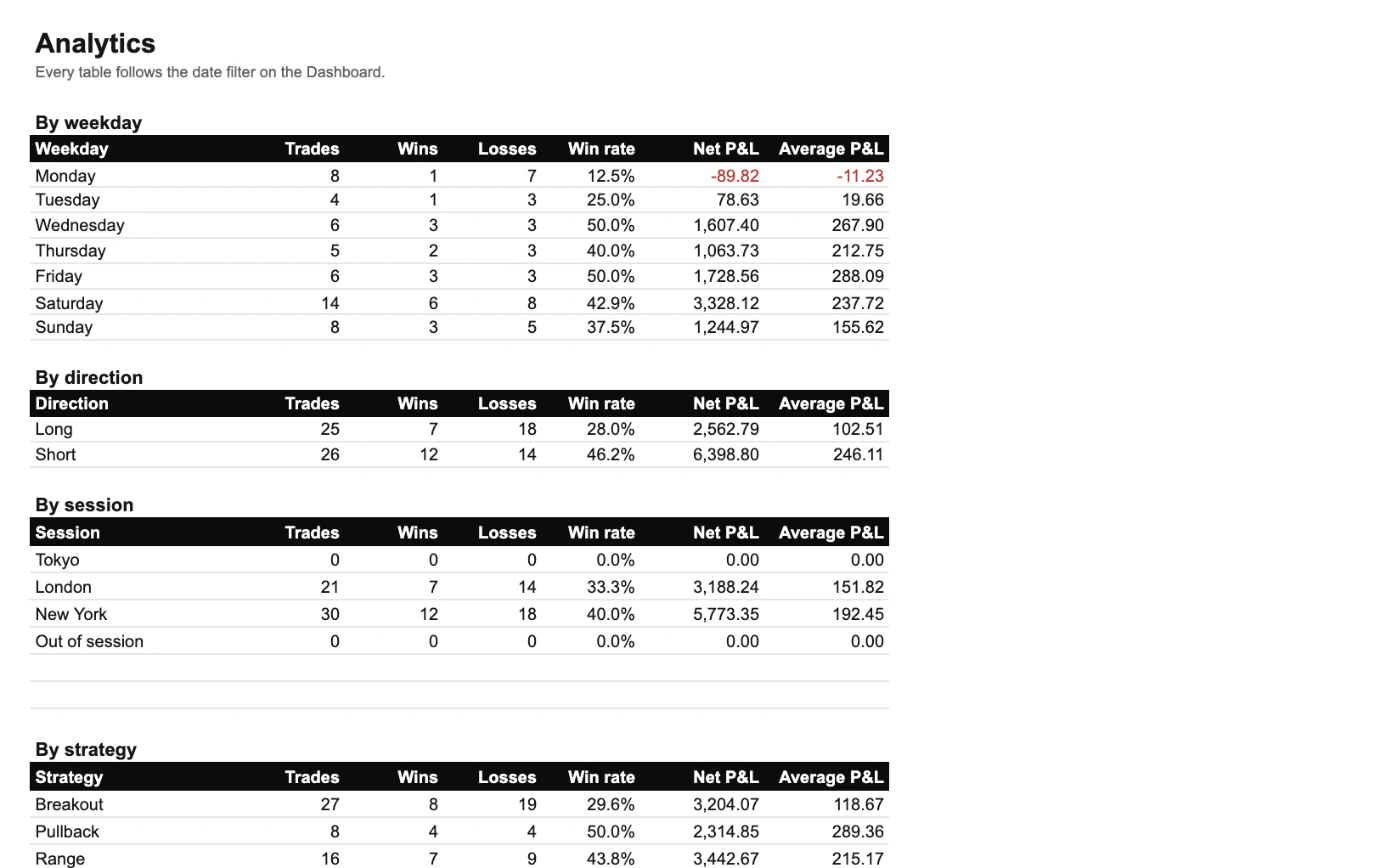
SuperTrader Trading Journal · Analytics
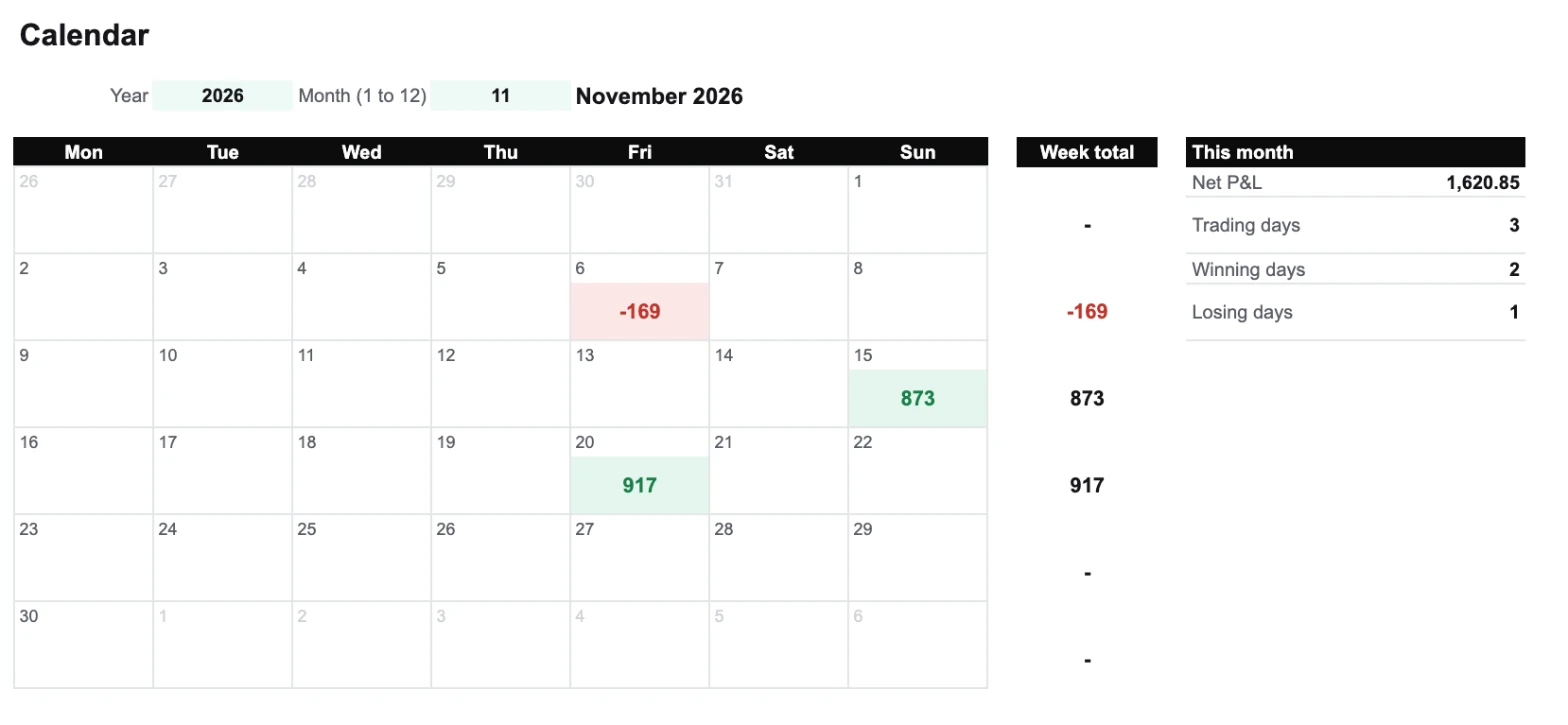
SuperTrader Trading Journal · Calendar
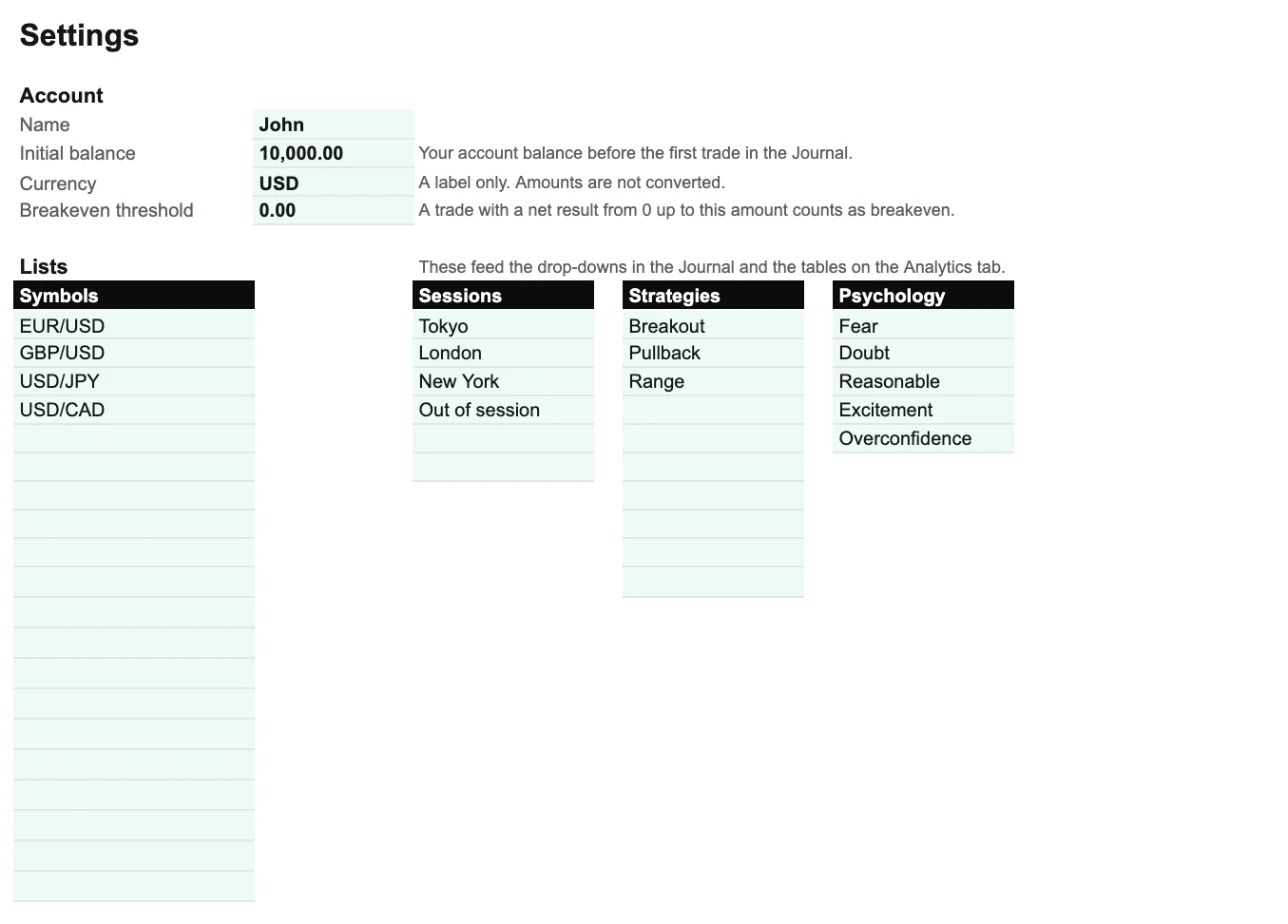
SuperTrader Trading Journal · Settings
SuperTrader Trading Journal · Dashboard
What's inside
Everything you need to review a trade.
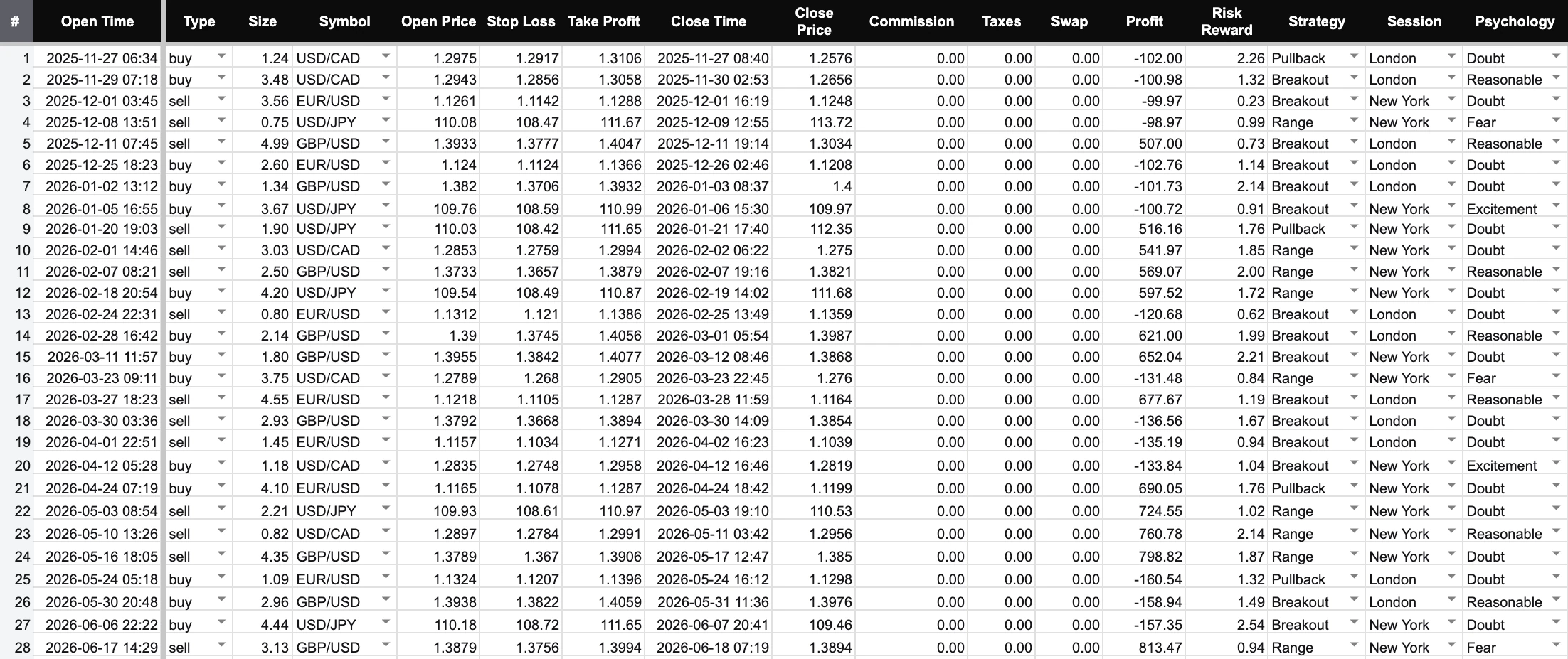
- Every trade: open and close time, direction, size, prices, stop loss, take profit, costs, profit, risk-reward, strategy, session, psychology, two screenshot links and a note.
- Deposits and withdrawals, kept separate from your trading results.
- Wins, losses and breakeven trades, with a breakeven threshold you set.
- Any period, with the From and To dates on the Dashboard.
- Any market. You enter the result of each trade, so it works for forex, stocks, futures, options and crypto.
- Up to 1,000 trades per copy.
Your own copy in three steps.
- 1Open the templateClick Get the free Google Sheet. It opens in a new tab, no signup needed.
- 2Make a copyChoose Make a copy. The journal is saved to your own Google Drive.
- 3Make it yoursEnter your starting balance and your lists in Settings, then replace the example row in the Journal with your first trade.
What you need
- A Google account. The journal works in Chrome, Safari, Edge and Firefox on any computer, and in the Google Sheets app on a phone or tablet. The charts are easier to read on a larger screen.
- There are no macros, scripts or add-ons, so Google never asks you to approve anything.
- Using Excel on Windows? The Excel journal adds a form for logging trades and app-style screens. Get the Excel journal
Spreadsheet vs. app
When typing every trade starts to cost you time.
| Compare | Google Sheets journal | SuperTrader |
|---|---|---|
| Logging a trade | Typed into a row, one at a time | Uploaded from your broker's file, or synced automatically on Pro |
| P&L | You enter the result | Calculated from your fills |
| Works on | Any browser, and the Google Sheets app | Web, iOS and Android |
| Charts and calendar | Built in, update as you type | Built in, always current |
| AI | None | Max AI chat about your trades; pattern agents on Pro and Elite |
| Price | Free | Free plan for up to 30 entries; paid plans for more |
1-Click Import
Upload your broker's trade-history file and your trades import in seconds: Robinhood, IBKR, MT4, Tradovate, Schwab and 1,000+ more. The Free plan holds up to 30 entries.
AI that reads your trades
Ask Max, the AI chat, about your results in plain language. On Pro and Elite, agents such as Revenge Radar flag trades entered within 30 minutes of a loss.
Analytics without formulas
A dashboard and P&L calendar, calculated for you and always current. Basic analytics on the Free plan; per-strategy and per-symbol breakdowns on Pro.
Questions about the Google Sheets journal
Yes. Click Get the free Google Sheet and choose Make a copy. There is no signup, no card and no trial that ends.
No. The sheet works on its own. A free SuperTrader account is there for when typing trades gets old: on the Free plan you can upload your broker's trade-history file (up to 30 entries) and see the same statistics without formulas.
Yes. Open the live sample to click through every tab with 51 example trades. The sample is view-only; Make a copy gives you an empty journal you can edit.
No. Make a copy creates your own file in your own Google Drive. We have no access to it.
No. The journal uses plain formulas only.
1,000 per copy. When you get close, make a fresh copy for the next period, or move to the app.
Yes. You enter each trade's result yourself, so the journal does not need to know the instrument.
Change the symbols, sessions and strategies freely in Settings. Leave the Journal's existing columns where they are, because the other tabs read them by position.
No. Each trade is entered by hand. If you want imports, your SuperTrader account takes your broker's trade-history file on the Free plan (up to 30 entries) and syncs with your broker automatically on Pro.
Yes. It uses formulas that Excel understands, so File, Download, Microsoft Excel works. If you use Excel on Windows, the Excel journal gives you more: a form for logging trades and app-style screens. Get the Excel journal
Get the Google Sheets trading journal.
Free, no signup needed. Your copy is saved to your own Google Drive.
Free No signup No macros Your copy stays in your Drive